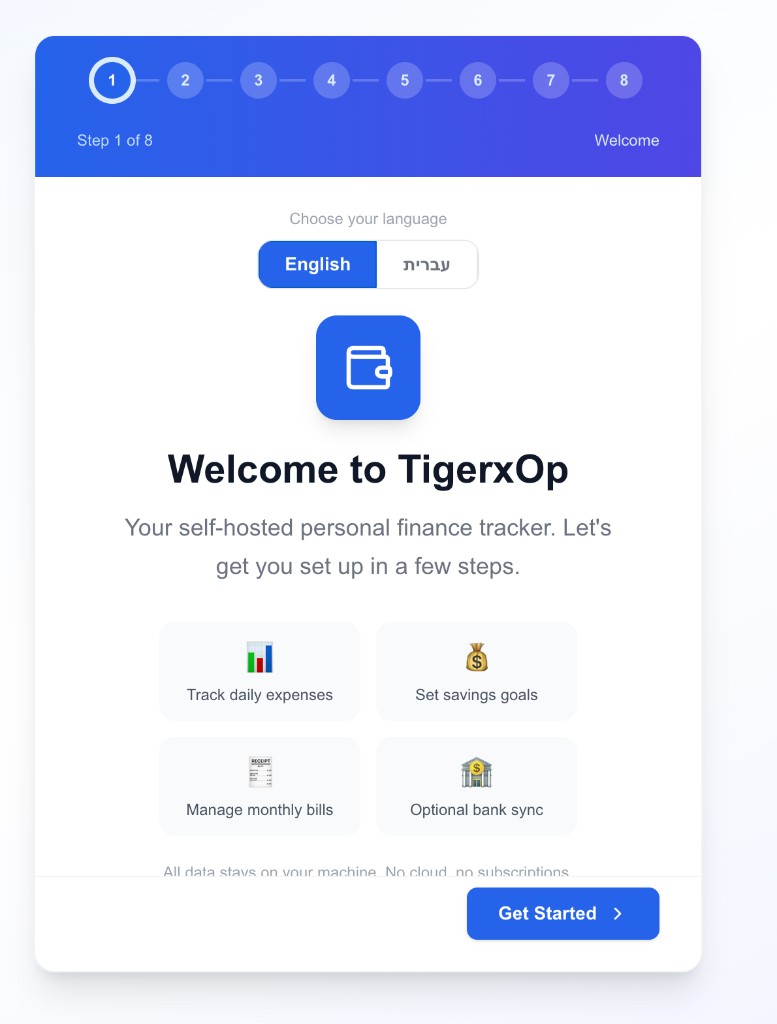
TigerX Finance is a self-hosted personal finance tracker. Monthly budgets, daily expenses, savings goals, and bank sync — running entirely on your machine.
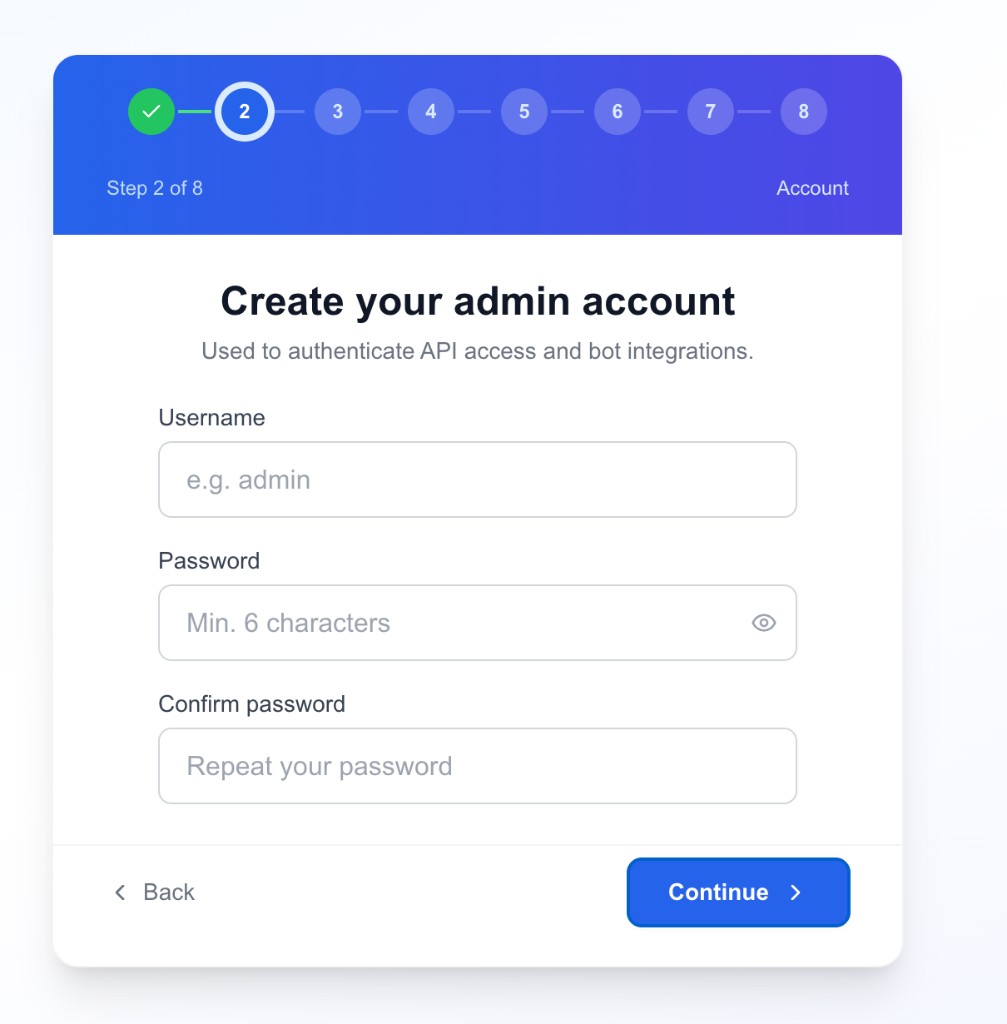
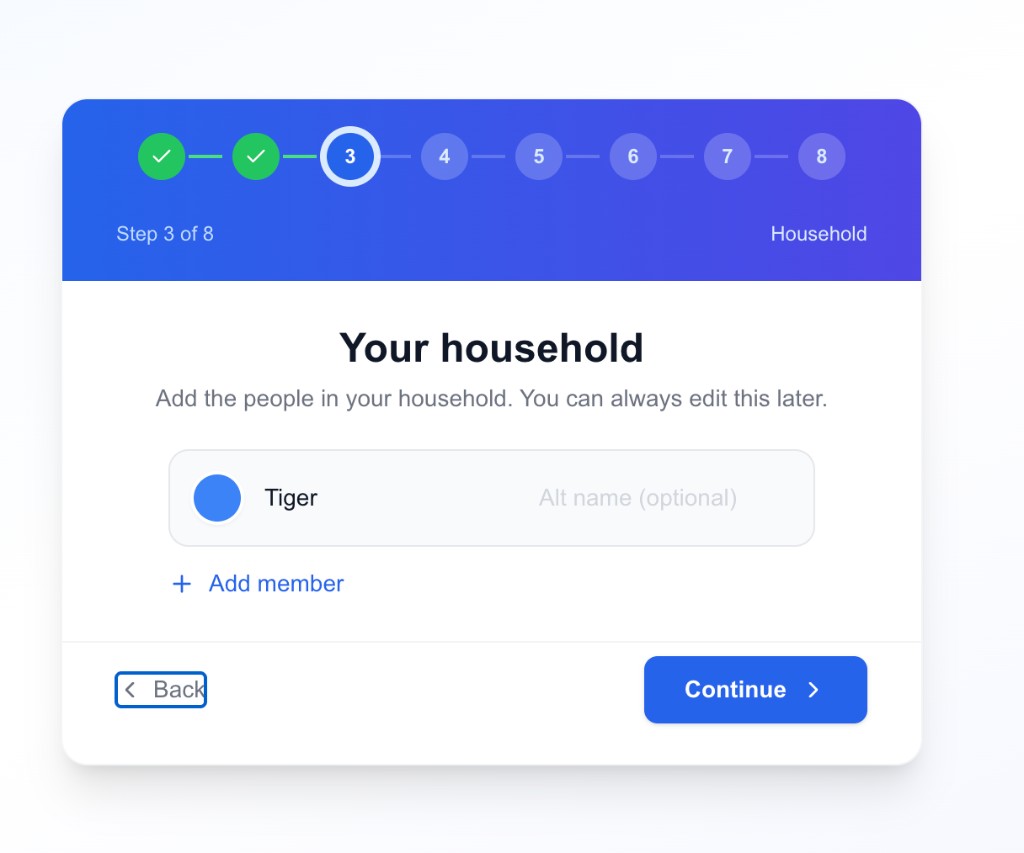
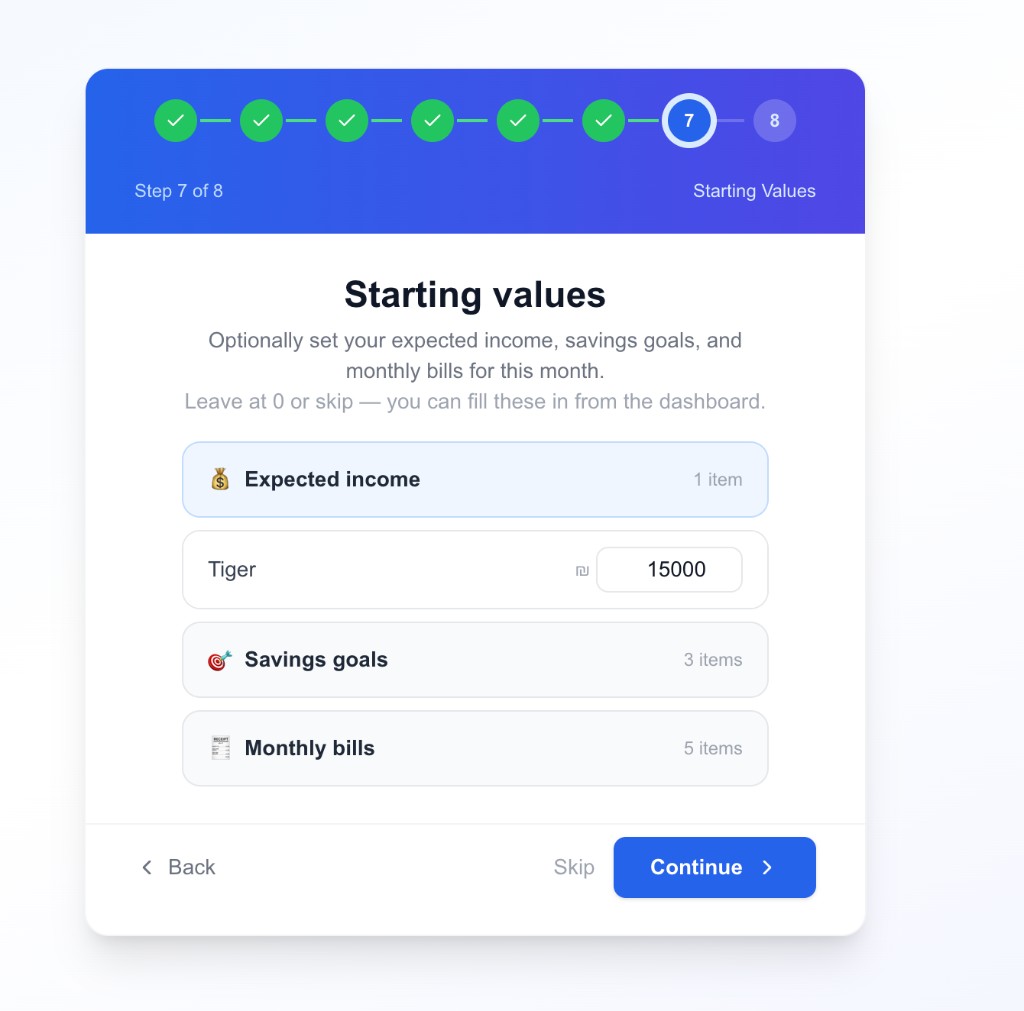
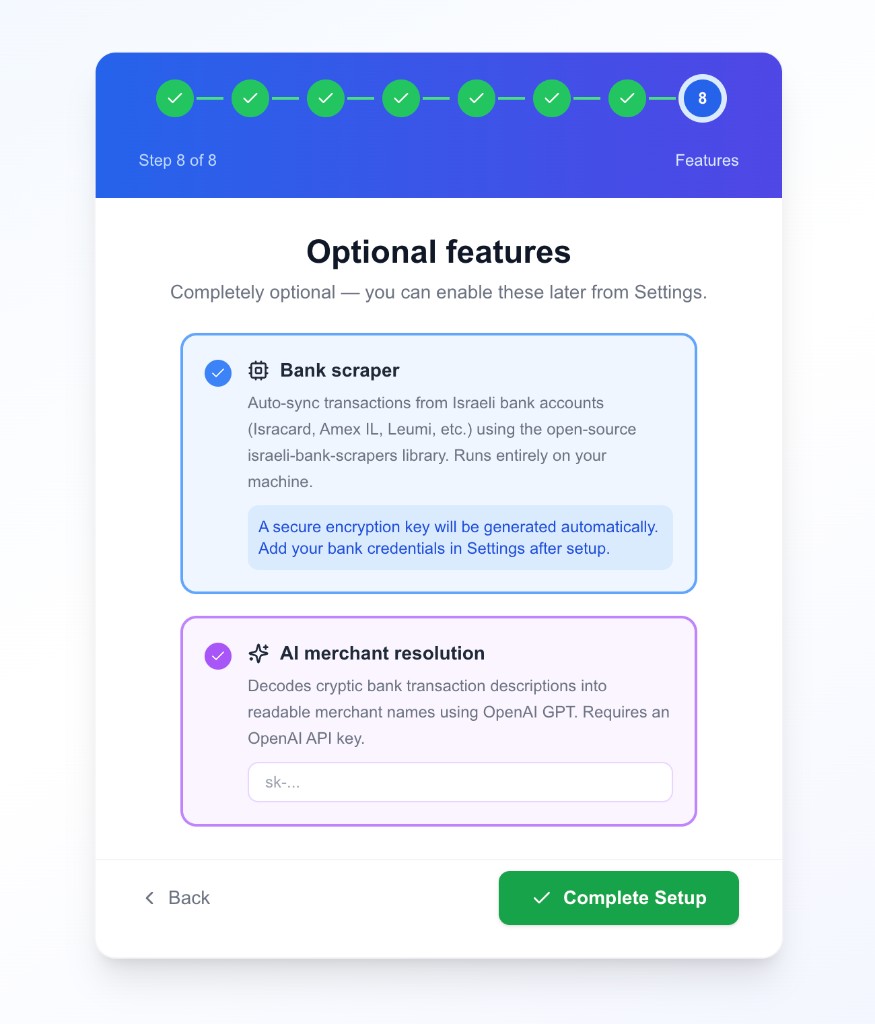
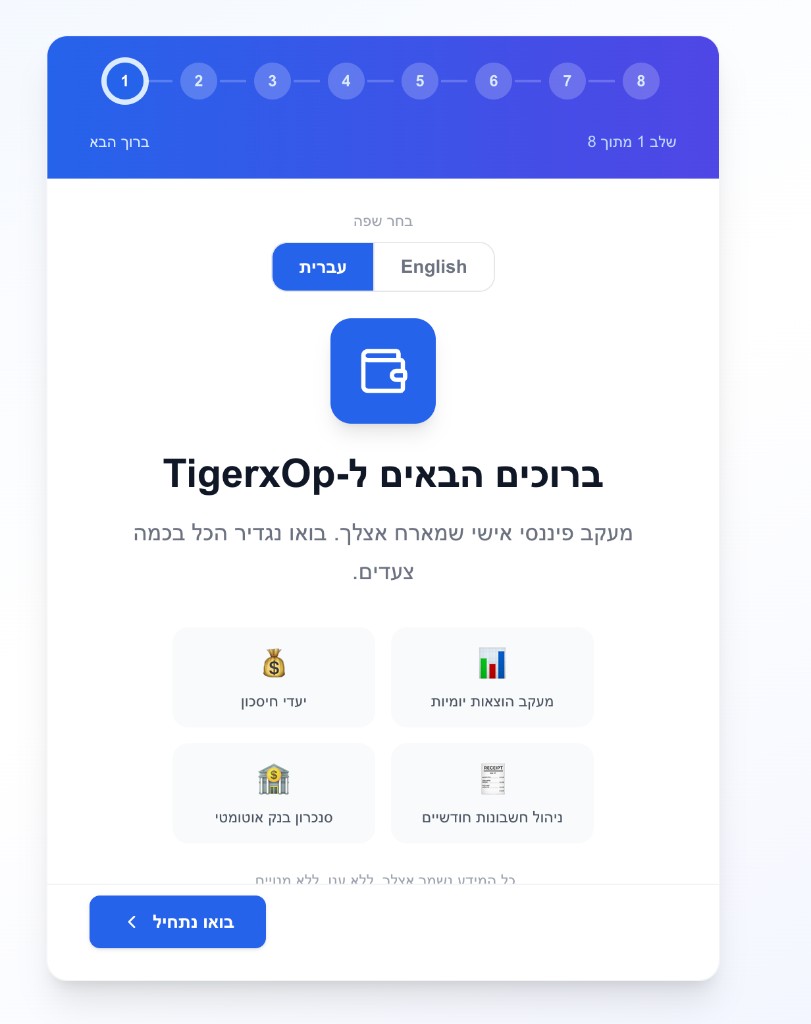
A guided setup wizard walks you through everything — language, account, household, categories, and optional features. Takes about 2 minutes.
A complete finance dashboard with the features you actually use, without handing your data to anyone.
See your full financial picture at a glance — starting balance, remaining budget, income vs spending — for any month.
Track household income, set savings goals per member, and monitor progress toward each target month by month.
Log daily spending with categories, subcategories, and who paid. Track recurring monthly bills and mark them paid.
Pie and bar charts for category breakdowns, household spending comparisons, trend lines, and budget vs actual.
Automatically sync transactions from Israeli banks and credit cards. Review, approve, and categorize imported transactions.
Cryptic bank transaction descriptions get resolved to readable merchant names using OpenAI — optional, fully in your control.
Modern, well-supported, and easy to self-host.
One command installs everything. Docker handles MongoDB, the app, and all dependencies.
# Clone and install (requires Docker) git clone https://github.com/Yossitrx/tigerxFinance.git cd tigerxFinance && bash install.sh # Open your browser to complete setup http://localhost:3000
No accounts. No servers you don't control. No one else sees your finances.
Data lives in a local MongoDB instance on your hardware. Nothing leaves your network.
Open source, MIT licensed. No subscription, no freemium, no feature gating.
Multiple members, shared categories, and individual spending breakdowns built in.
Edit categories, members, and budgets from the UI. Fork and extend the code freely.
TigerX Finance is MIT licensed. Read the code, contribute, report issues, or fork it for your own needs.